
Setup and safety
The system runs standalone on the Pico 4 Ultra Enterprise. No PC, no server. The points below keep operation safe and the training day stable.
Training area
At least 3×3 metres of clear floor space per station. Remove trip hazards, light the room well, avoid mirrors and glass. A supervisor stays next to the active person.
Guardian / Boundary stays off
FirefighterVR keeps the Pico virtual boundary off because AR scenarios need free movement. An on-screen fence gets in the way. The real floor space and the supervisor keep people safe – especially the swing radius of the nozzle and extinguisher.
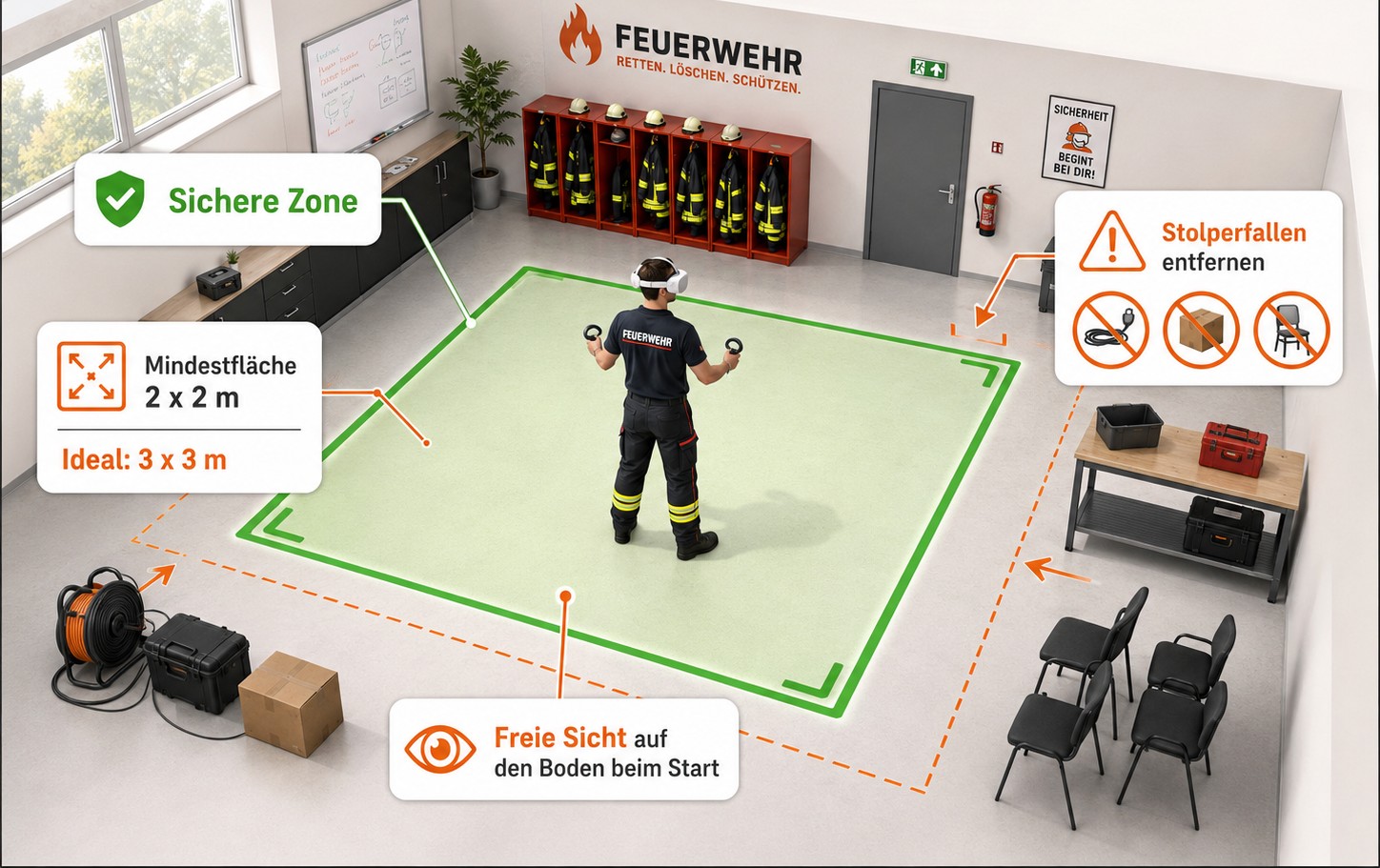
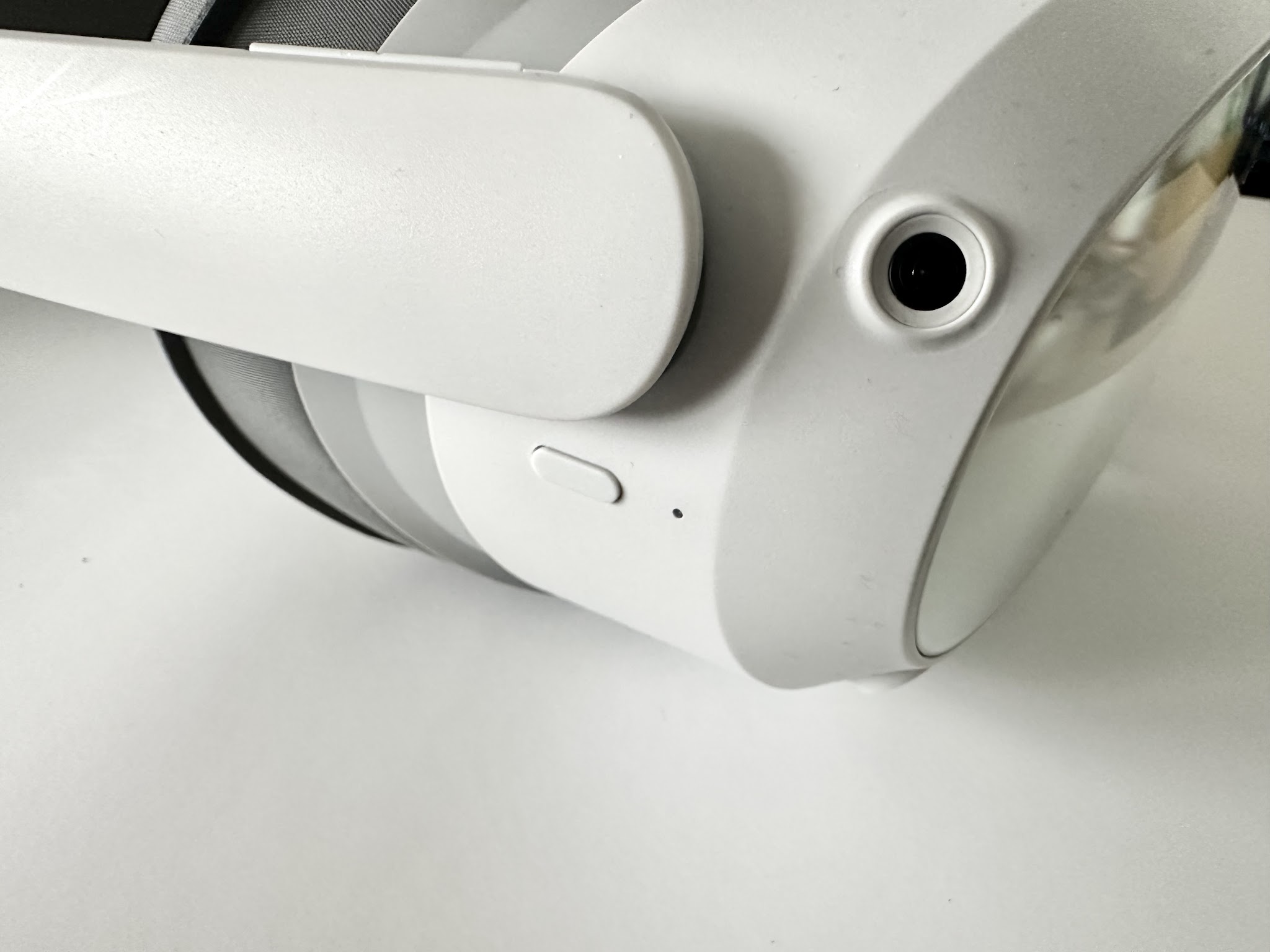
Power the headset on in an open spot so the cameras can see the floor. Do not start at a desk or in front of boxes.
Headset
Hold the power button for a few seconds. Startup can take up to a minute. Short press: standby. Long press: off. At least 10 seconds: restart if the image freezes.
- First question after putting it on: is the image sharp?
- Change IPD only if double vision or strong discomfort is reported.
- Glasses: slide the headset straight on from the front over the glasses. To remove, lift the strap and take it off straight forward.
Wi-Fi, updates, offline
Trainings run offline. Wi-Fi still matters for automatic updates, better support, browser streaming, Smart TV, and online map data in GodView or Planspiel. Planspiel multiplayer also needs Wi-Fi.
Go online before appointments
Connect the headset regularly. Do not leave updates until the last minute. After a long stretch offline, allow time for updates and test the app briefly.
Screen mirroring
Wireless HDMI is included: transmitter T on the headset, receiver R on a monitor, TV or projector. Both sticks need power. If the picture is sideways, press the button on the receiver once or more until it is landscape. Rotation is on the receiver, not in the headset. Alternatives: Smart TV or a browser on the same Wi-Fi. An iPad is not a standard path.
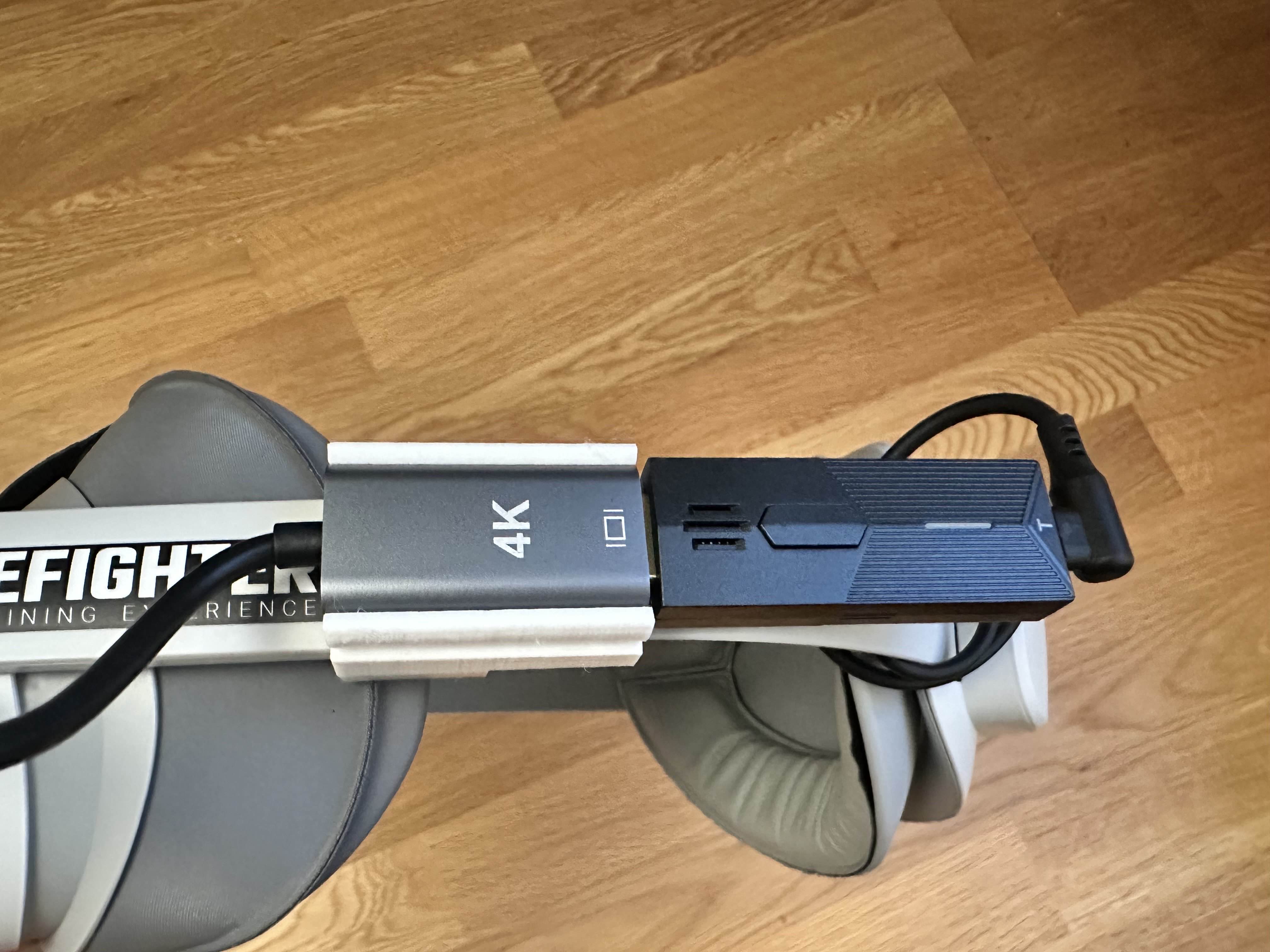
Power bank on the transmitter
The HDMI transmitter draws a lot of power. The power bank in the headstrap feeds either the transmitter or the headset – not both at once. For HDMI, plug the power bank into the transmitter. Unplug the stick during breaks.
Hygiene, lenses, battery
- Never point the lenses at sunlight – not in a car, at a window or under a pavilion. They act like a magnifying glass.
- Clean lenses dry with a microfibre cloth only. No alcohol, no wet disinfectant wipes on the lenses.
- The face shield and housing may be disinfected, then wiped dry. At events, rotate several face shields.
- Recharge below about 30–35 %. A low charge can trigger power-saving mode and image glitches.
- If dizziness, nausea or uncertainty appears, pause immediately, take the headset off, sit down.