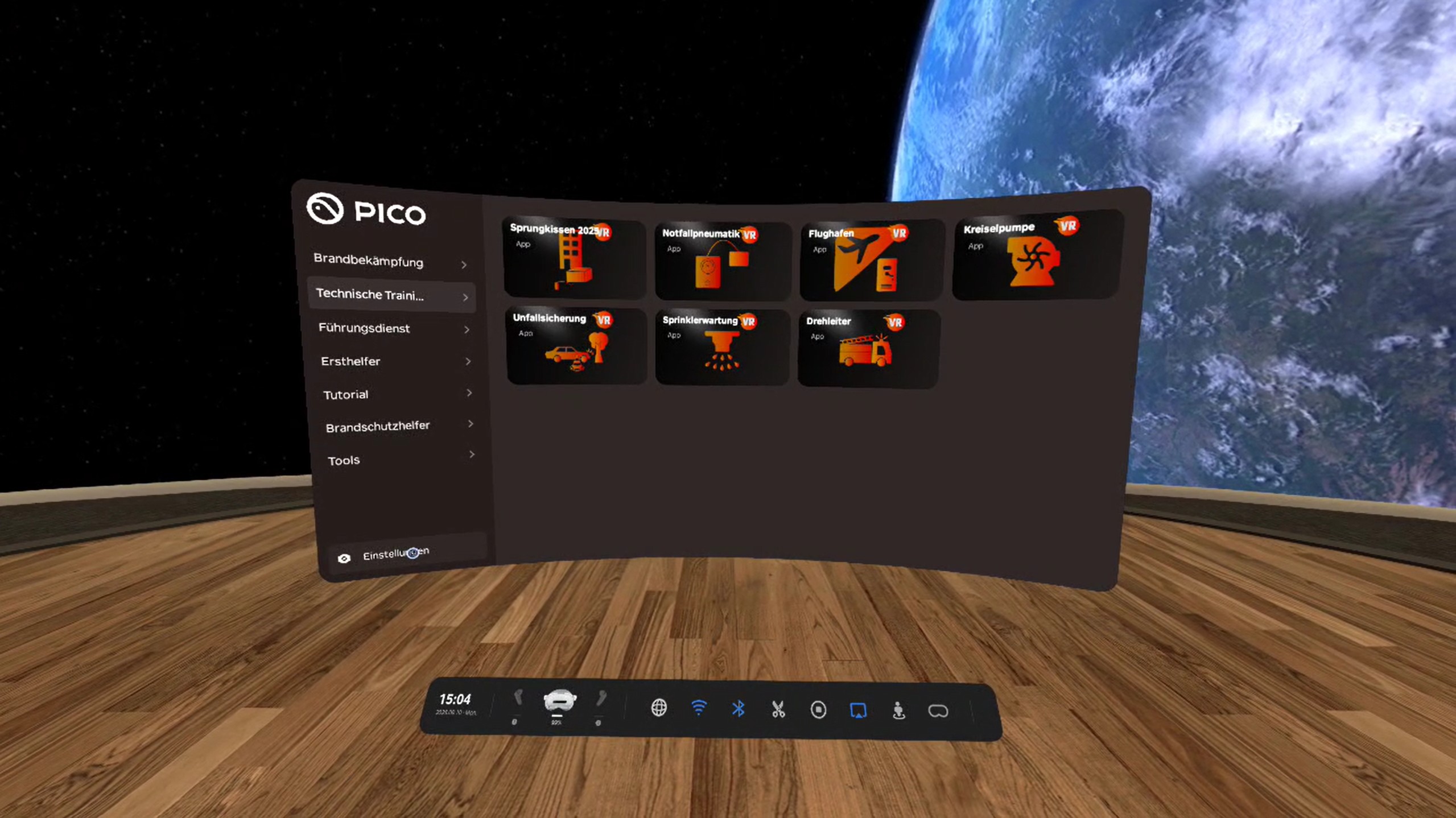
Quick start
For the first session, keep the sequence calm: get the hardware stable, brief the user, then open the training.
- Open the case and lay out the headset, controllers, charger, HDMI set, power bank and haptic components.
- Switch on headset and controllers, check battery level.
- Clear at least 3×3 m. Mark a real safety zone – do not rely on a virtual boundary.
- Set up Wi-Fi if you need updates, support, a browser stream or map data. Training itself runs offline.
- Set up screen mirroring (HDMI preferred) so the group can see what happens in VR.
- Run the VR tutorial or a short mini-onboarding: sit, sharpness, click, grab.
- Start the training module and let people try it once.
- After training: clean, charge and pack away.
Remember
Hardware first, then briefing, then the exercise.